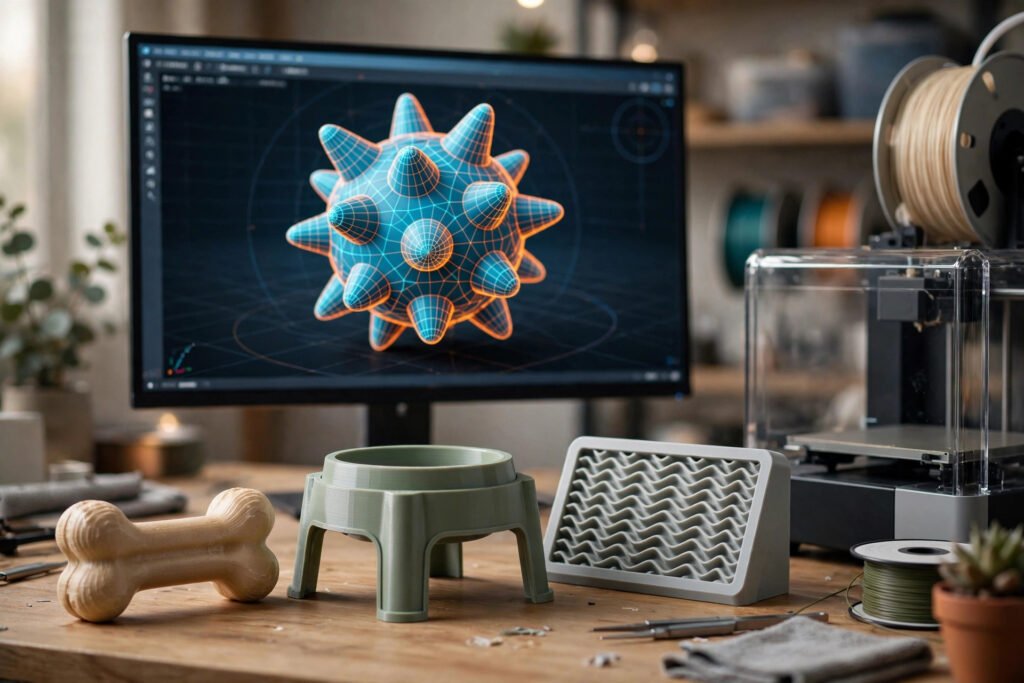
Pet products used to be designed the slow way, with paper sketches and expensive prototypes that took weeks to build. Today, a designer can describe an idea in plain words and watch an AI tool turn it into a three dimensional concept in minutes. This is ai 3d modeling for pet products and animal enrichment, a workflow that blends generative AI with 3D design to explore new ideas for the animals we share our homes with.
The promise is appealing, but a beautiful digital model is not the same thing as a safe pet product. Pets chew, scratch, and pull at objects, so material safety and choking hazards matter far more than good looks. AI 3D modeling is best understood as a creative starting point, followed by careful refinement and real world testing before any animal interacts with the finished product.
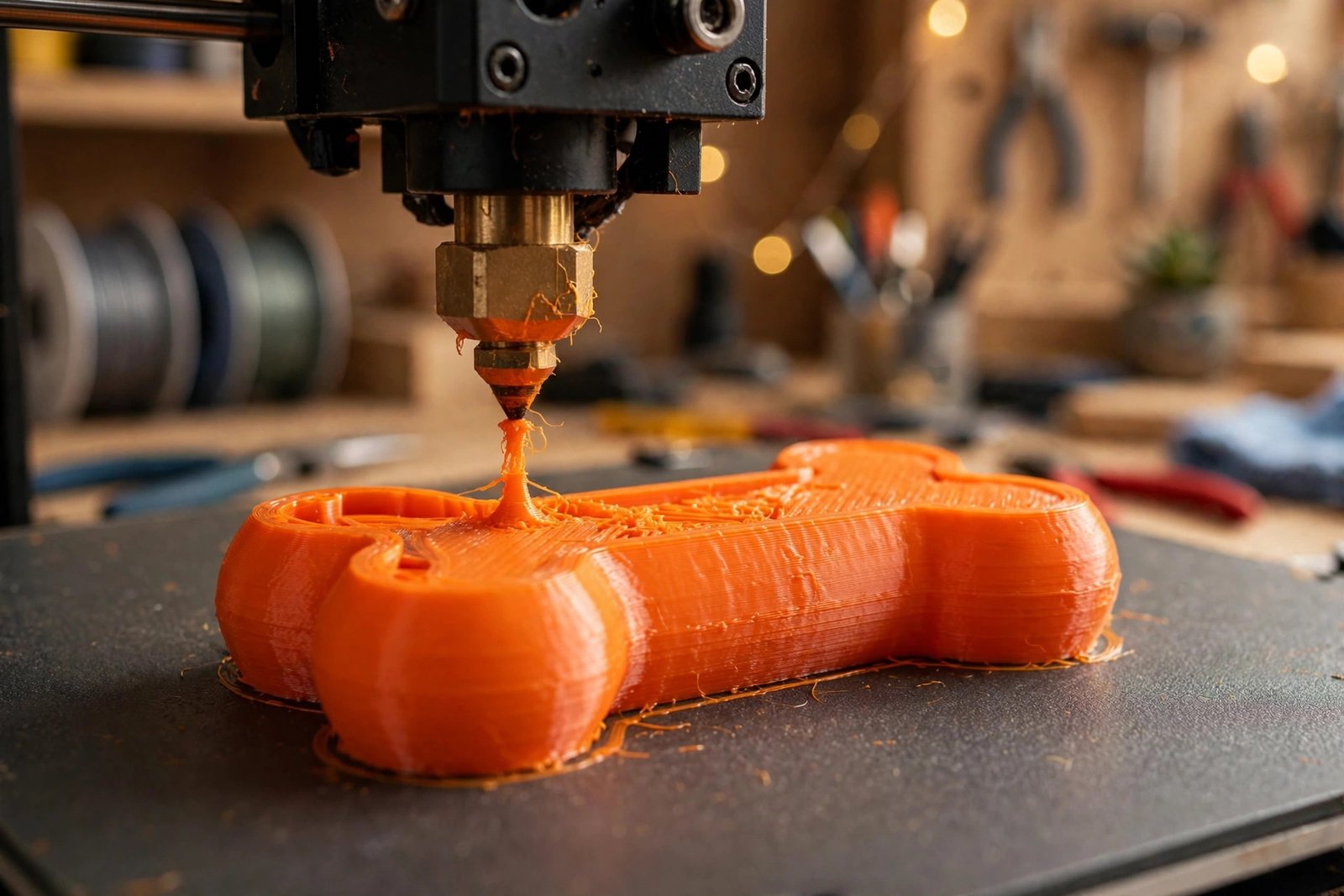
Key Takeaways: AI 3D modeling for pet products and animal enrichment converts text descriptions and reference images into 3D concepts for toys, feeding stations, and pet furniture in minutes. Tools like Meshy, Hi3D, and Any3D support text to 3D and image to 3D workflows with exports in formats such as STL, GLB, and OBJ. Generated models are starting points for concepting, needing geometry refinement, pet safe materials, and physical testing. A pretty render never guarantees safety, so check sharp edges, detachable parts, and chewing hazards before pets use anything made this way.
What Is AI 3D Modeling for Pet Products and Animal Enrichment?
Direct answer: It is the use of AI tools that convert written descriptions or reference images into three dimensional models of pet related objects, from interactive toys and puzzle feeders to cat climbing structures and small pet habitats, so creators can visualize and refine ideas before building physical prototypes.
To understand ai 3d modeling for pet products explained in practical terms, think of the traditional design pipeline. A designer sketches an idea, builds a digital model by hand, prints a prototype, tests it, and iterates, with each cycle costing time and money. AI 3D modeling inserts a fast exploratory step at the start. You type a description or upload a photo of a sketch, and the tool generates a textured 3D mesh you can rotate, inspect, and compare against other concepts.
Animal enrichment means giving animals chances to express natural behaviors: foraging, chasing, climbing, hiding, chewing, and solving small problems. A puzzle feeder that makes a dog work for its kibble or a climbing tower for a cat are classic enrichment objects, and AI 3D modeling helps designers brainstorm them faster for specific species, spaces, and play styles.
How Does the AI 3D Modeling Workflow Actually Work?
Direct answer: You provide input as text, an image, or both, the AI generates a 3D model you can preview and refine, and then you export it in a standard file format such as STL, GLB, or OBJ for further editing or 3D printing.
There are three common input styles. Text to 3D starts from a written prompt. Strong prompts follow a simple order: name the subject, describe its key features, specify the physical form, and mention material and color. Image to 3D starts from a photo or sketch, and works best with a single, well lit subject on a plain background. Multi image workflows use front, side, and back views to improve shape accuracy and capture hidden surfaces.
After generation comes inspection and refinement. AI generated geometry often needs cleanup, since surfaces may be uneven and proportions slightly off. Designers adjust dimensions, remove fragile protrusions, and simplify surfaces in a 3D editor. Some platforms also offer AI assisted texturing, which applies realistic finishes to a model so you can compare visual styles. This mirrors the pattern across generative media, where AI speeds up the concept stage of creative work, as discussed in the Kling AI review on theweirdnewsblog.
What Are the Main AI 3D Modeling Benefits for Pet Product Design?
Direct answer: The biggest ai 3d modeling for pet products benefits are speed, low cost experimentation, and personalization, letting creators compare many concepts quickly and tailor products to individual animals and living spaces.
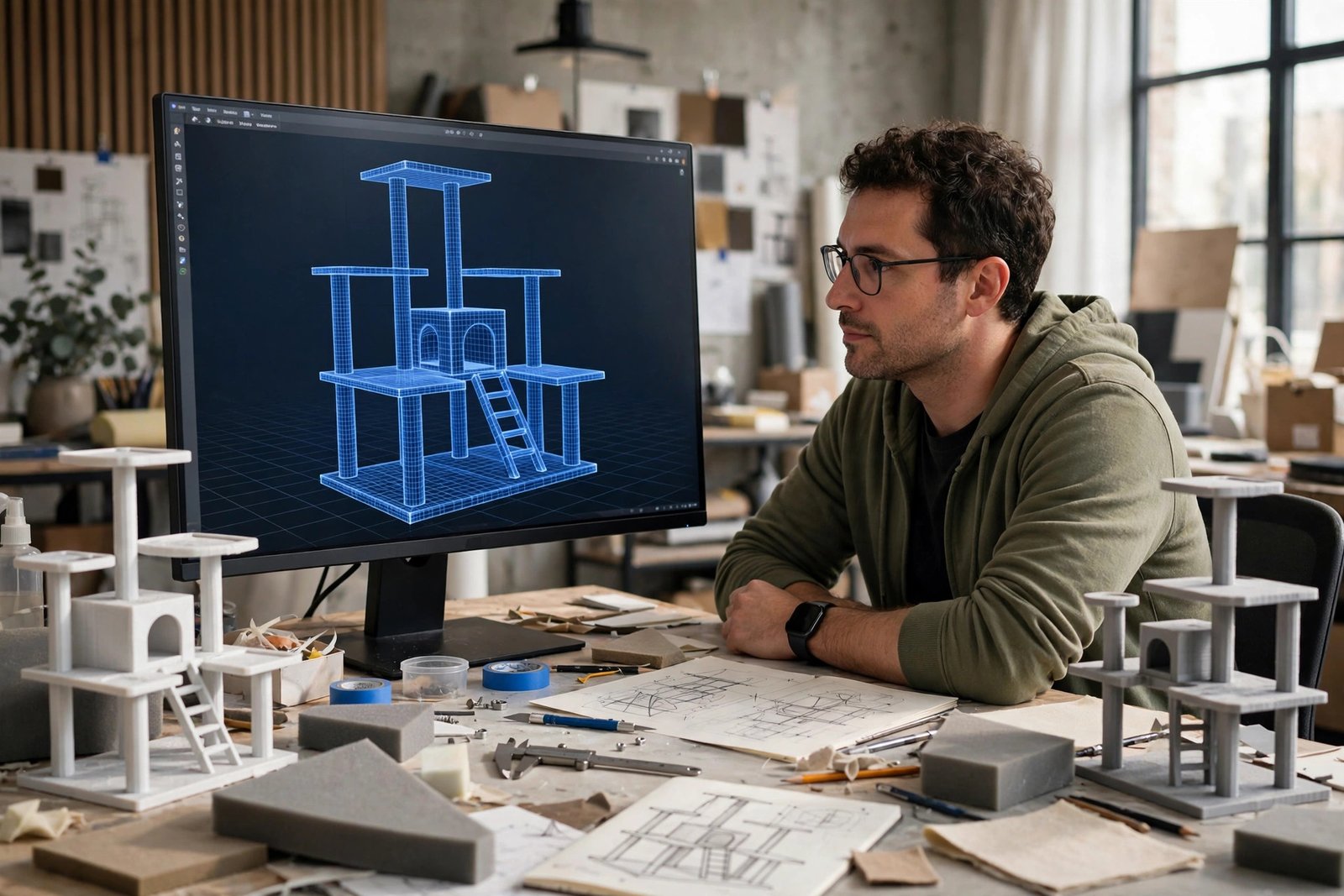
Speed is the most obvious gain. Comparing five feeding station layouts once meant five rounds of sketches and measurements. With AI generation, a designer can produce several visual concepts in an afternoon, discard the weak ones, and invest real effort only in the strongest idea.
Personalization is the second major benefit. Standard pet products target the average animal in the average home, but real households vary. A feeding station can be modeled around a specific dog’s shoulder height, a storage unit can be sized for an exact corner of a room, and a cat tower can be shaped to fit a particular wall. AI assisted texturing adds another layer, letting creators compare a minimalist look against a playful style before choosing a final direction.
Which Pet Products Can You Design This Way?
Direct answer: The most practical categories are interactive toys and puzzle feeders, feeding stations, storage accessories, cat furniture, and small pet habitats.
Interactive Toys and Puzzle Feeders
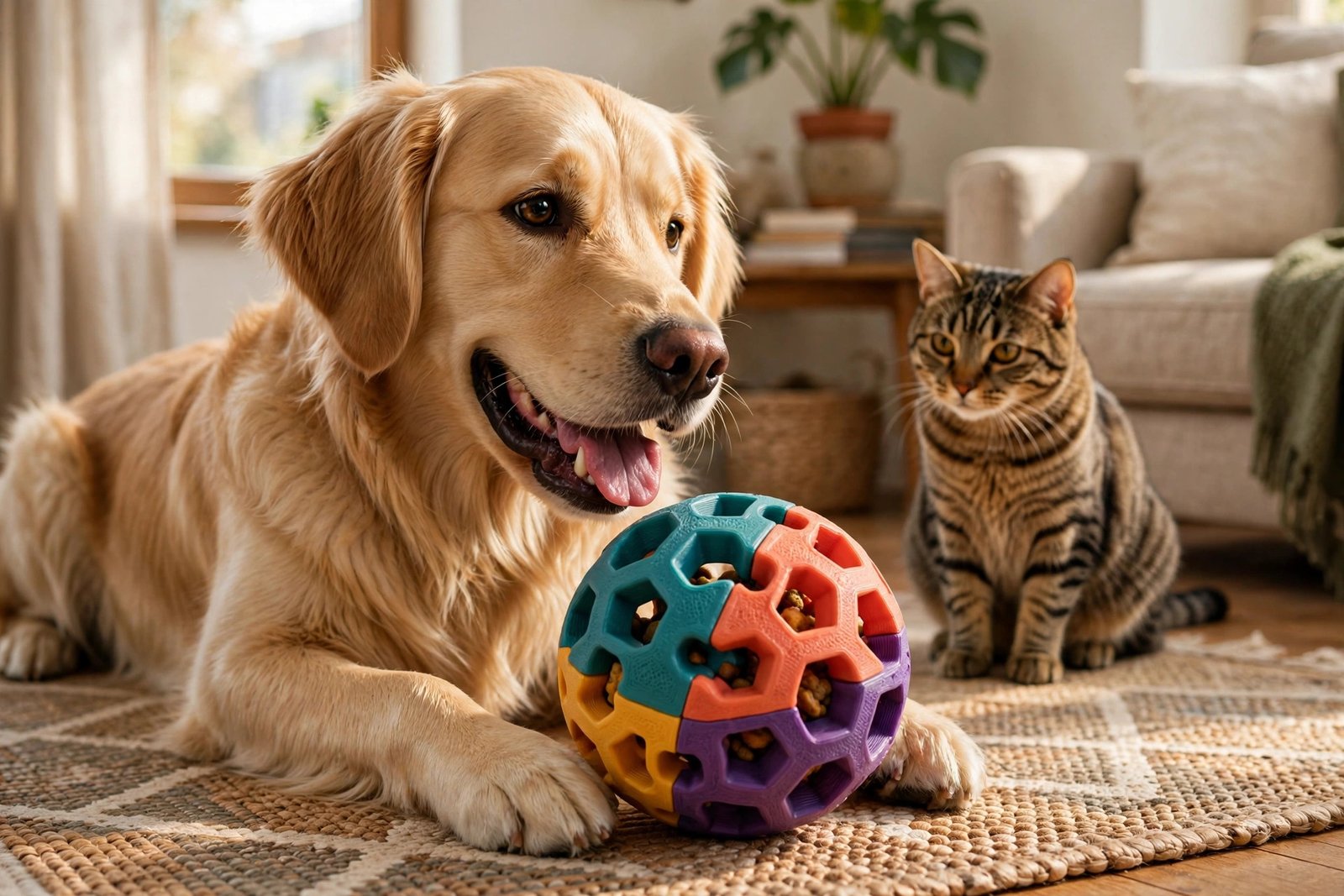
Puzzle toys encourage animals to investigate an object to reach a reward, using sliding compartments, rotating chambers, or openings that release a treat when nudged. AI 3D modeling helps visualize compartment placement and overall shape. But a functional puzzle needs more than an attractive exterior: moving parts must work reliably, openings must suit the intended species, and nothing should break off into swallowable pieces. Prototypes should be checked for stability and hazards before any animal plays with them.
Feeding Stations and Storage
Feeding stations can be designed around an animal’s size and the available floor space, with AI concepts helping compare bowl positions, compartments, and styles. Before printing anything, measure the space, consider the animal’s eating posture, and use easy to clean materials appropriate for food contact. The same logic applies to custom storage organizers, keeping in mind that food needs proper storage conditions and cleaning chemicals must stay out of animals’ reach.
Cat Furniture and Small Pet Habitats
Cat furniture combines platforms, steps, resting areas, and scratching surfaces, often fitted to a specific wall or corner. AI modeling lets a creator compare a compact vertical tower against a wider arrangement of platforms, though stability, mounting, and spacing still need proper evaluation. Small pets need habitats reflecting species specific behavior, including hiding areas and tunnels, and 3D models help owners visualize layouts, but ventilation, floor space, hygiene, and materials matter far more than appearance.
Text to 3D vs Image to 3D vs AI Texturing: Which Workflow Should You Choose?
Direct answer: Start from text when you have only an idea, from an image when you have a sketch or photo, and use AI texturing when the model already exists and you want to compare finishes.
| Workflow | Best Starting Point | Strengths | Watch Out For |
|---|---|---|---|
| Text to 3D | A written idea, no visuals yet | Fastest way to explore many concepts; no drawing skill needed | Vague prompts produce vague models; dimensions are approximate |
| Image to 3D | A sketch, photo, or concept art | Stronger shape guidance; good for iterating on an existing design | Busy or poorly lit source images produce messy geometry |
| Multi image to 3D | Front, side, and back references | Better shape accuracy; captures hidden surfaces | Requires consistent reference photos from multiple angles |
| AI assisted texturing | An existing 3D model | Compare colors and finishes without remodeling | Surface looks can hide weak underlying geometry |
How Do You Turn an AI Concept Into a Real Pet Product?
Direct answer: Refine the geometry in 3D software, choose materials that are safe for the animal and the product’s purpose, 3D print or build a prototype, and test it thoroughly before any pet uses it.
Step 1: Refine the Geometry
Open the generated model in a 3D editor and fix what the AI got wrong. Adjust dimensions to match the real animal and the real space, remove small protrusions that could snap off, and smooth rough surfaces that would be hard to clean. For multi part products, confirm every piece fits and that no accessible gap can trap a paw or jaw.
Step 2: Choose Suitable Materials
Exports in STL or 3MF go straight to most 3D printer slicers, but not every printable material suits pet products. Never assume a filament is food safe or animal safe just because it prints well. Products meant for heavy chewing, feeding, or unsupervised use need specialized materials and more extensive testing.
Step 3: Test Before Allowing Pet Interaction
A physical prototype reveals problems no screen can show. A toy may crack under jaw pressure, a compartment may be too narrow, or a surface may be awkward to clean. Inspect for sharp edges, loose components, cracks, and anything that could be swallowed. If a design presents an ingestion or injury risk, do not introduce it to an animal until the issue is resolved.
What Are the Limitations of AI 3D Modeling for Pet Products?
Direct answer: The main limitations are that visual quality does not guarantee safety, generated dimensions are approximate, material suitability cannot be judged from a render, animal behavior is unpredictable, and physical testing remains essential.
- Looks are not safety. A smooth looking model can hide weak joints, sharp details, or gaps that create hazards.
- Dimensions may be inaccurate. Products must fit the space and suit the animal’s size, so real measurements and manual refinement are required.
- Materials cannot be judged from appearance. A digital surface cannot prove a material is safe for chewing, food contact, or repeated cleaning.
- Animal behavior varies. A toy that suits one pet may be wrong for another, depending on chewing strength and play style.
- Digital previews have hard limits. They cannot demonstrate durability, stability, or long term performance under real conditions.
These limitations do not make AI modeling unhelpful. They clarify its role: generating ideas, exploring visual alternatives, and helping creators communicate concepts before rigorous development begins.
Frequently Asked Questions
What is ai 3d modeling for pet products and animal enrichment?
AI tools turn text prompts or reference images into 3D models of pet products such as toys, puzzle feeders, feeding stations, and cat furniture, plus enrichment objects that stimulate natural animal behaviors. The models serve as visual concepts for prototyping, not finished products.
Can I 3D print a pet toy directly from an AI generated model?
Most AI generated models export in printable formats like STL, but refine the geometry first and choose a material appropriate for the animal. Inspect and test the prototype before any pet uses it.
Is AI 3D modeling safe for designing pet products?
The modeling itself is safe, but the product is only as safe as its materials, construction, and testing. Pets chew and scratch, so check for sharp edges, choking hazards, and weak parts, since a good looking render proves nothing about safety.
Do I need 3D modeling experience to use these tools?
No. Text to 3D tools let you describe an object in plain words without modeling skills. Basic knowledge of a 3D editor still helps when refining the AI output into something printable and pet safe.
Which is better for pet products, text to 3D or image to 3D?
Text to 3D suits bare ideas and fast concept exploration. Image to 3D suits sketches or photos you want the AI to follow. Many designers use both, starting with text for breadth and image input for refinement.
Can AI design enrichment for small pets like rabbits and hamsters?
Yes, but small pet design demands species specific knowledge. Ventilation, floor space, hygiene, and chew safety matter more than appearance, so rely on established animal care guidance alongside the AI concepts.
AI 3D modeling for pet products and animal enrichment is one of the more practical uses of generative AI, connecting a digital idea to a physical object an animal will actually touch. Used with care, it lets more people design better enrichment for their pets. For more stories on emerging technology, visit theweirdnewsblog.com.